Save your Keepa filters. Load them in one click.
Stop rebuilding the same Product Finder filters every morning. Save each search as a preset, on any of Keepa's 11 Amazon marketplaces. Your presets are saved to your account, so they're on any computer you sign in on.
Built by Simon Knight (FBAMogul), a UK Amazon seller.
KeepaVault doesn't collect your browsing history or see your Amazon or Keepa login. Privacy policy
See KeepaVault in action
Save a Keepa search as a preset, load it again in one click, and keep every search in order.
- From FBAMogul
- Works on every Keepa locale
- 132+ filter fields saved
- Free
You've built the same Keepa filter every morning this month.
Category. Price range. Sales rank. Buy Box percentage. Minimum reviews. Review velocity. Number of sellers. Listing age. You punch in 17 fields every single morning, find three products worth checking, then tomorrow you do it all over again.
You've already worked out which filter combinations find products worth buying. The trouble is you rebuild them every time you use them.
Stop doing that.
How it works
Install
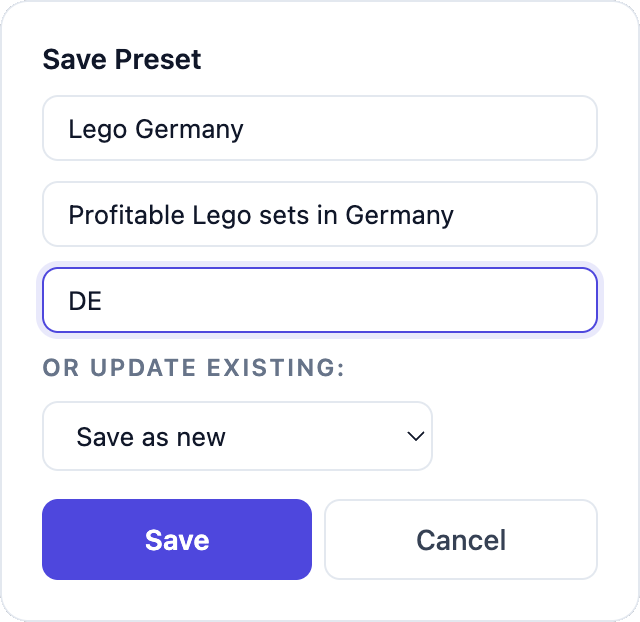
Add KeepaVault to Chrome and sign in with a free SellerOracle account. Simon Knight (FBAMogul) makes SellerOracle too.
Save
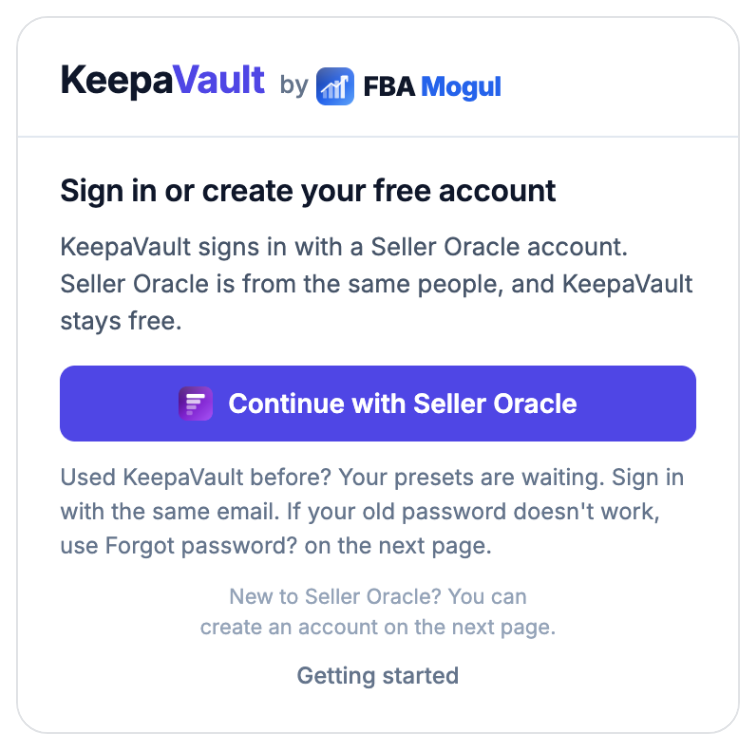
Set your filters on Keepa Product Finder and click Save on the KeepaVault toolbar. Give the preset a name.
Load
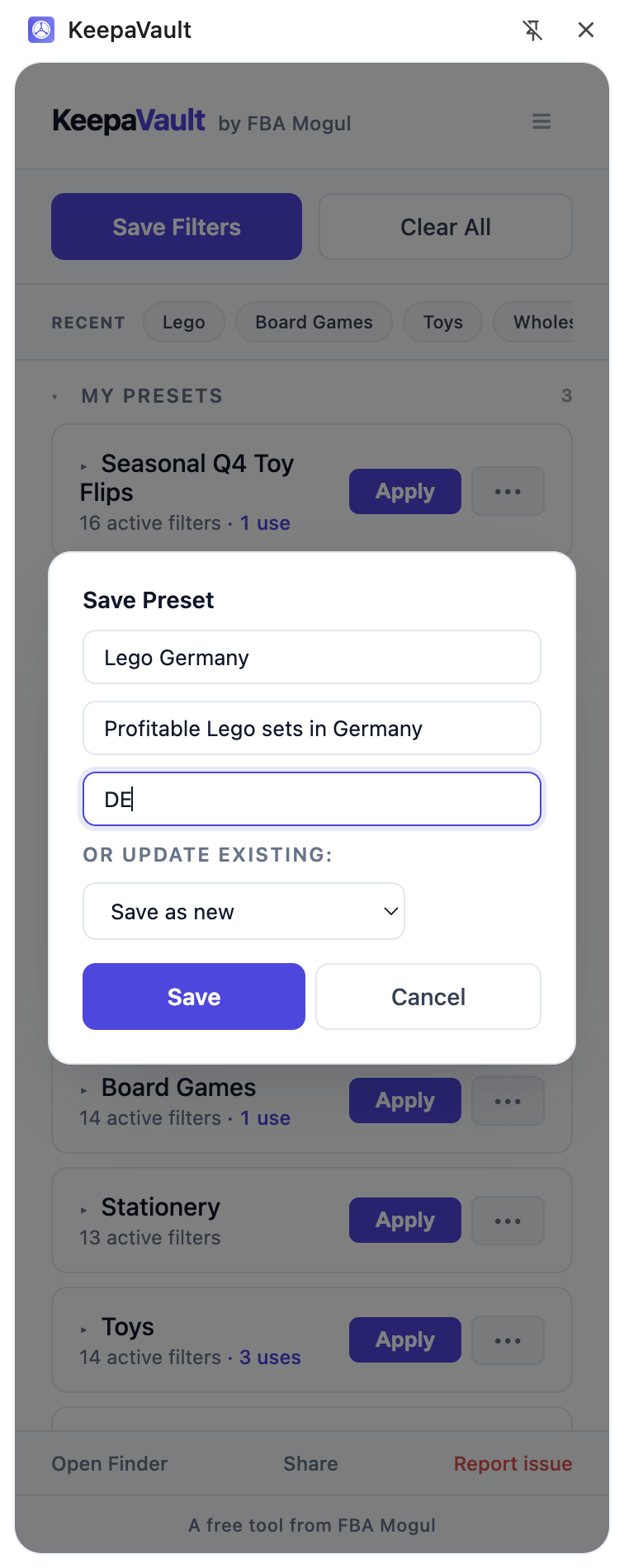
Open KeepaVault, pick a preset and click Apply. KeepaVault fills in the filters you saved.
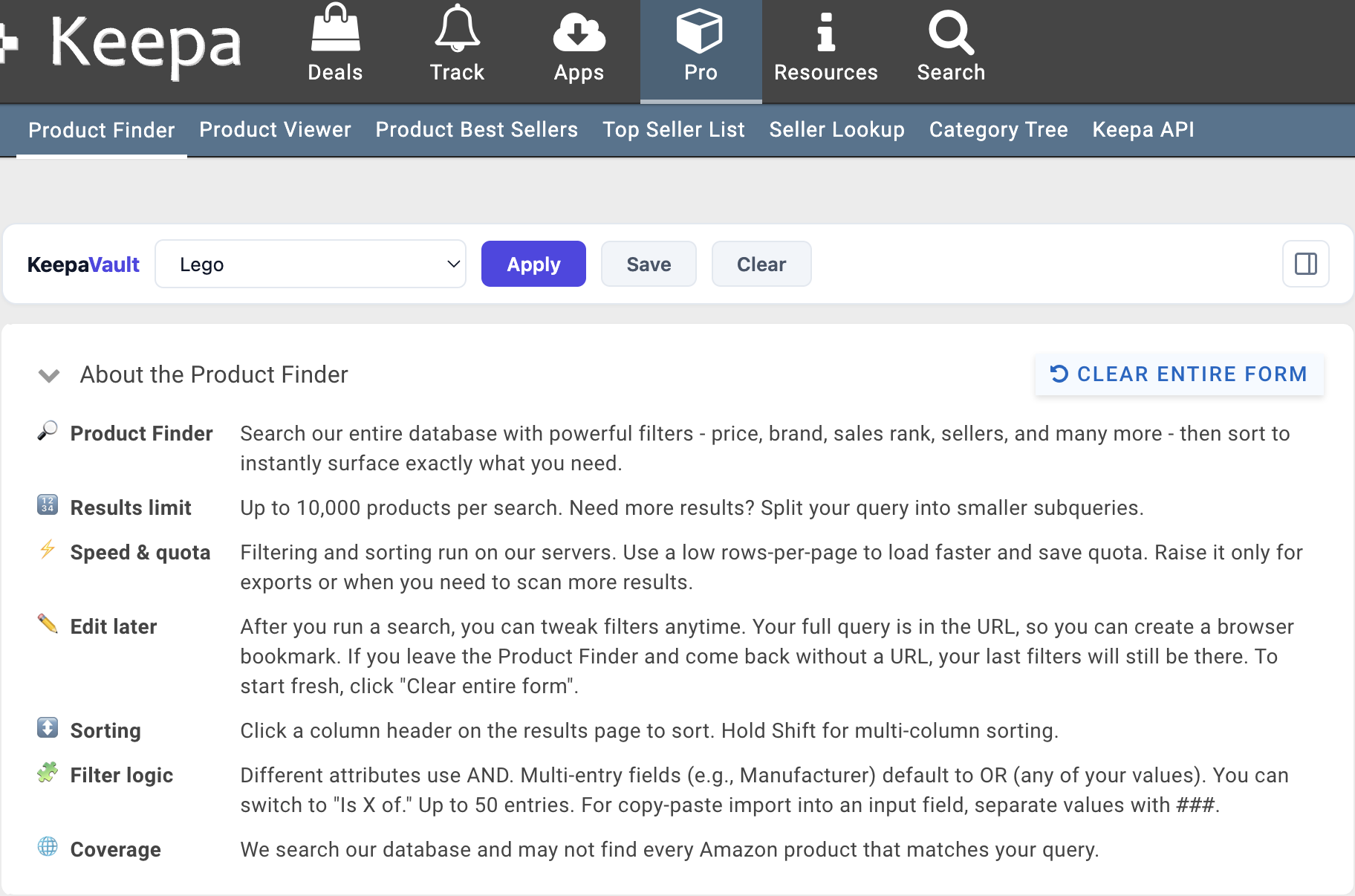
Saves every filter field, on every Keepa marketplace.
KeepaVault saves all 132+ Product Finder filter fields, including price, sales rank, reviews, categories, date ranges and seller count. Your preset library is there on all 11 Amazon marketplaces on keepa.com, and a preset with categories switches Keepa to the marketplace you saved it on.
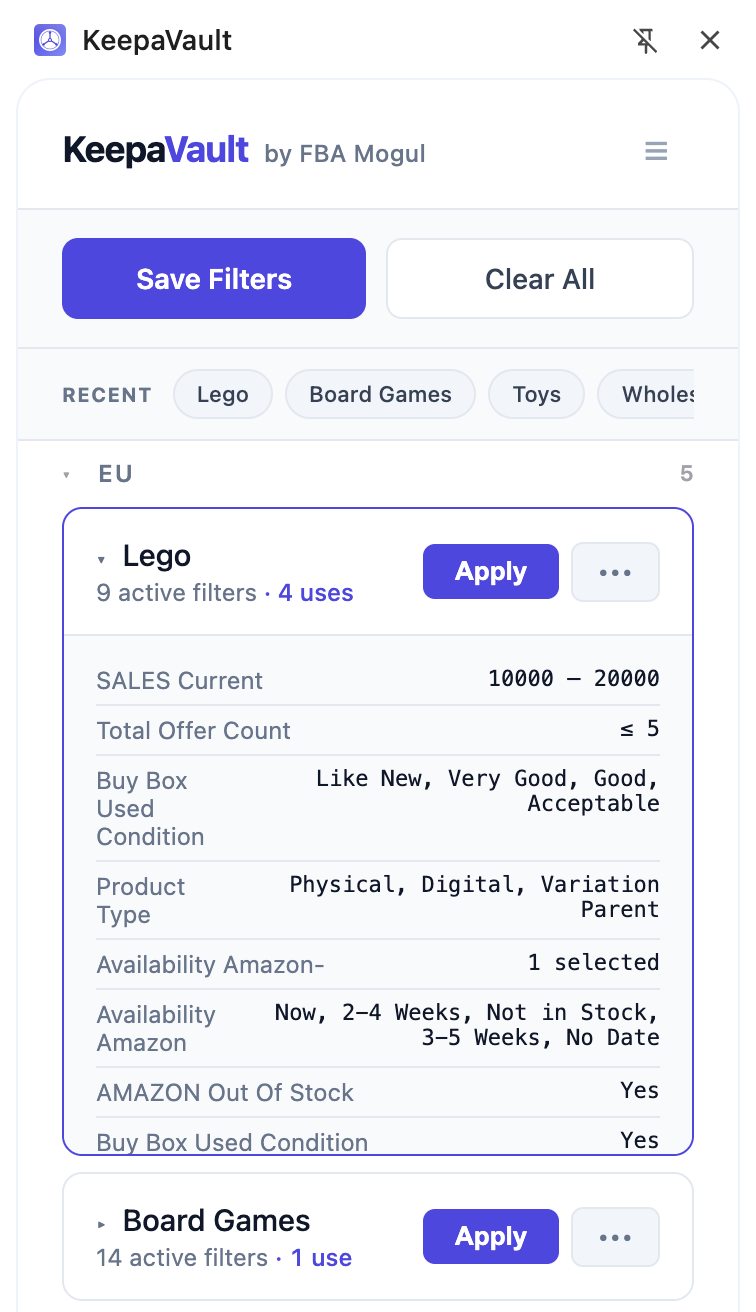
Keep your presets in order.
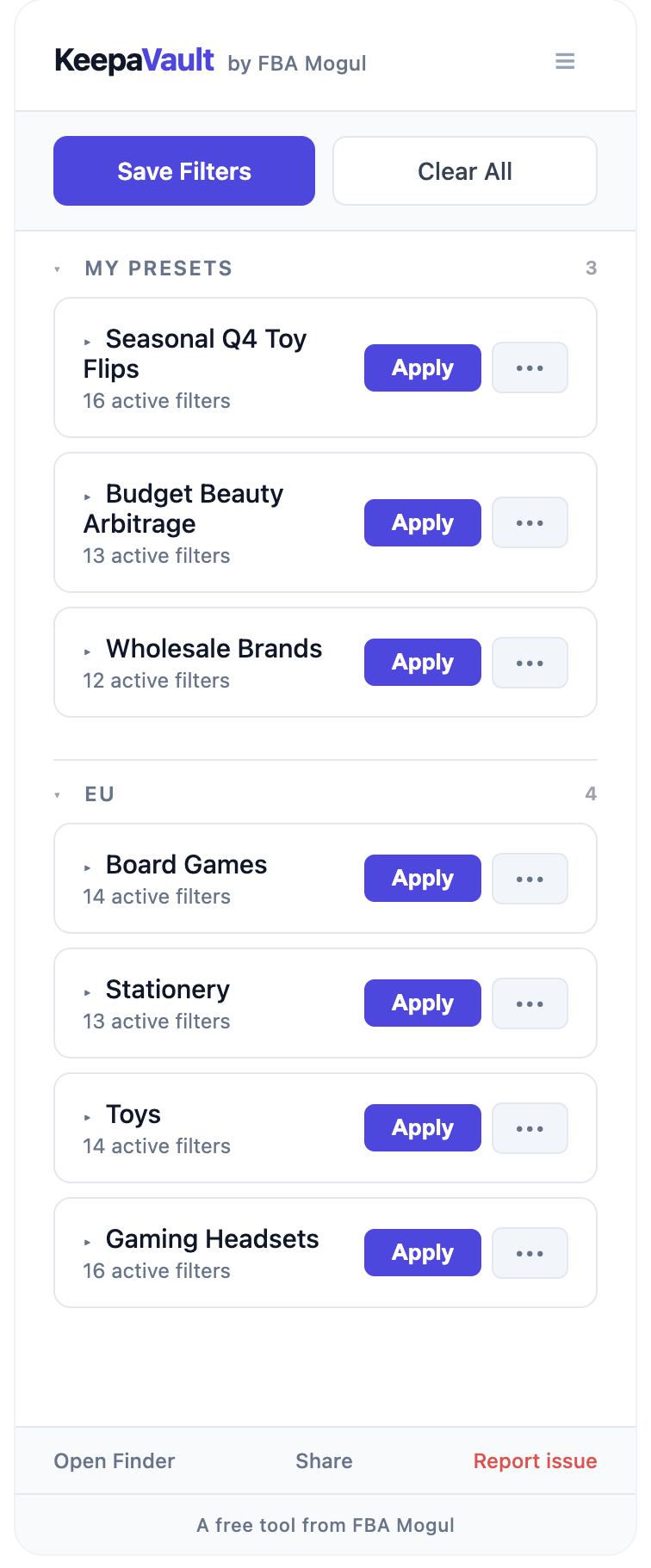
Name your presets, group them by strategy and drag them into the order you want. Click a preset to see every filter in it before you apply it. The Recent row in the side panel shows the last five presets you applied.
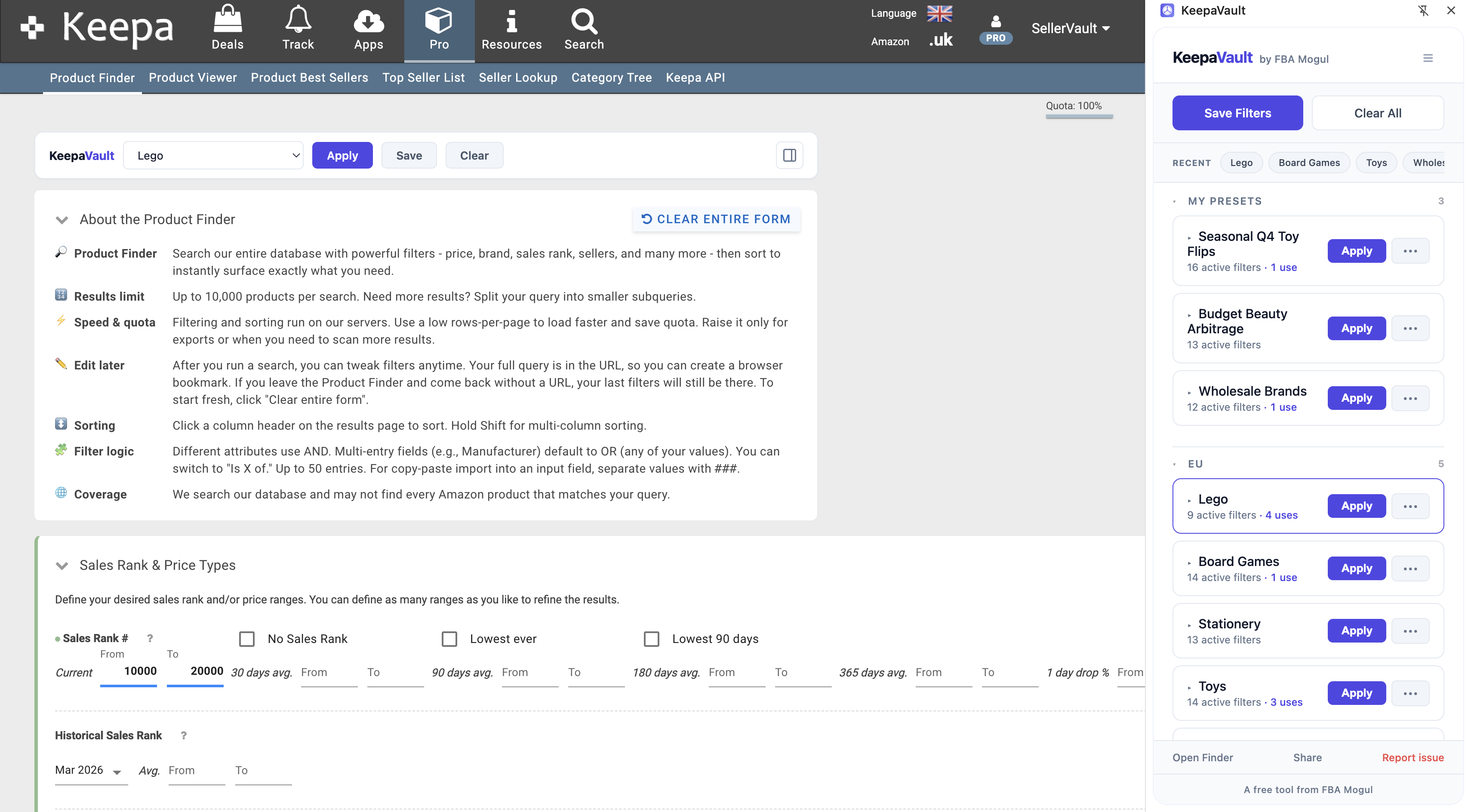
Keep your preset vault open while you source.
Open KeepaVault in Chrome's side panel and keep it visible alongside Keepa as you work. Apply presets, save new ones, and switch strategies without leaving the page.
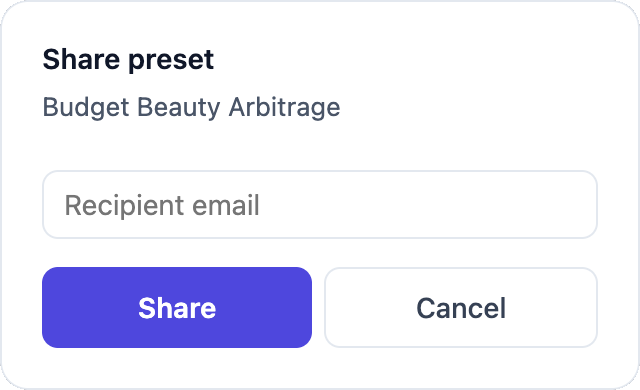
Send a preset to another seller by email.
Built a search that works? Type the email of a partner or VA who uses KeepaVault. The preset shows up in their KeepaVault, and they import it into their own presets.
What KeepaVault does
Every feature is free, and there's no paid plan.
Unlimited presets
Save as many presets as you want.
Grouped presets
Put presets into named groups, such as Wholesale, Clearance or Seasonal.
Share presets
Send any preset to another KeepaVault user by email. They import it from their side panel.
Toolbar on Keepa
A bar on Keepa Product Finder with your presets in a dropdown. Apply one without opening the side panel.
Side panel mode
Keep your preset vault open alongside Keepa in a side panel as you work.
Drag-and-drop reorder
Drag presets between groups and reorder them however you like.
Clone and edit
Duplicate any preset and tweak it. Build variations without starting from scratch.
132+ filter fields
KeepaVault saves every Product Finder field, including price, rank, reviews, categories and date ranges.
Every Keepa locale
Use it on all 11 Amazon marketplaces on keepa.com.
Stop rebuilding your Keepa filters.
Install KeepaVault for free and save your first preset.
Download Free from Chrome Web StoreAlso from FBAMogul
Once you've sourced the deals, SellerOracle tracks them for you.
SellerOracle connects to your email and picks up your retailer orders as they come in, so you don't have to type them into a spreadsheet.
Free to try. No card needed.
Take a look at SellerOracle
Questions before you install?
Do I need a Keepa subscription?
Which Keepa locales are supported?
Is my data safe?
What if Keepa changes its Product Finder?
Who built this?
Do I need an account?
Why is this free?
Who is FBAMogul?
Keepa tips, straight to your inbox.
Sourcing strategies, Keepa filter setups and KeepaVault updates from FBAMogul.
Unsubscribe any time.